 KanLab
Wave
How the Wave mod matrix in KanLab routes LFOs, envelopes, velocity and other sources to the settings of a sound, with recipes to try.
Basics
Mod slots
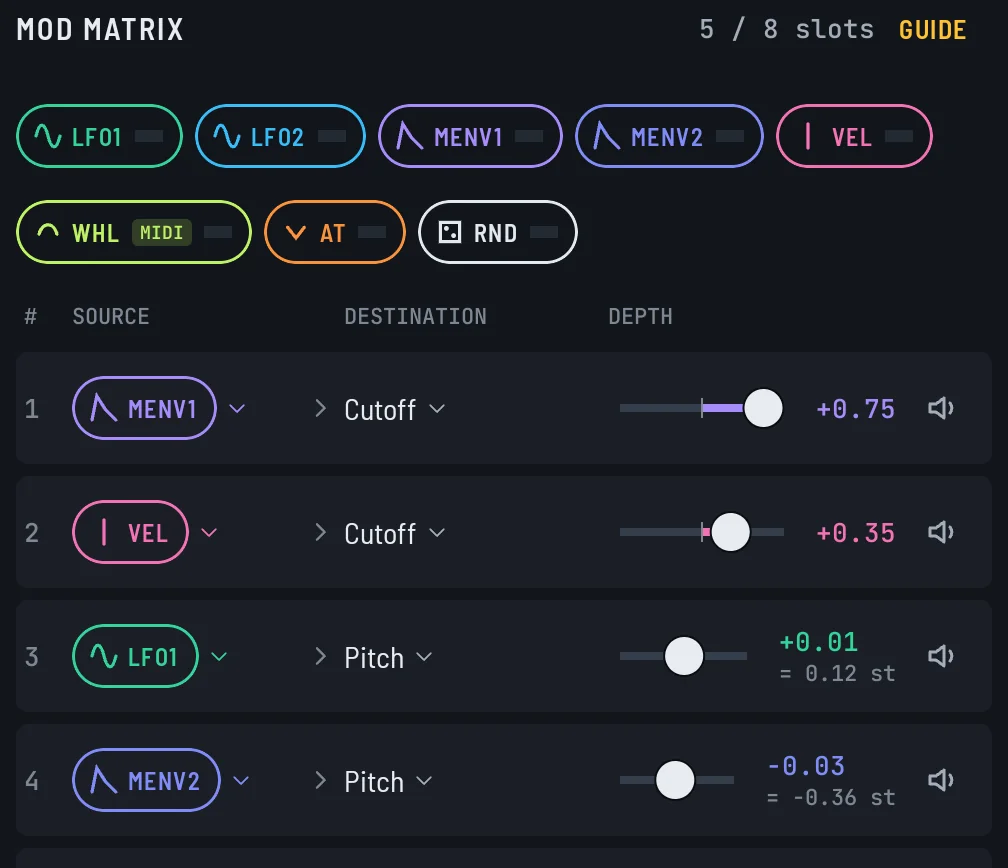
A mod slot moves one setting while the note plays. It has three parts: a source that makes a signal, a destination it moves, and a depth that sets how far.
value you hear = knob setting + source x depth
- Depth 0 does nothing. Negative depth flips the direction, so a rise becomes a fall.
- LFO 1 swings both ways, so on Cutoff it moves the filter above and below the knob setting. MOD ENV 1 only goes from 0 up to 1, so with positive depth it only pushes up.
- Knobs in the studio show a colored band on their ring. The band is everything the slot can reach.
- Several slots can move one destination. Their pushes add together, and on Amp each one scales the volume instead.
- VELOCITY and AFTERTOUCH on the same destination take turns. VELOCITY sets the hit, then AFTERTOUCH takes over once the AMP attack ends.
- MOD WHEEL needs a MIDI controller to move. With TOUCH DYNAMICS off in Settings, VELOCITY and AFTERTOUCH do too, because the pad and on-screen keys then hit at velocity 100 with full pressure.
Making one

- Drag a source chip from the top of the matrix onto any knob. That fills the next empty row at depth +0.50.
- Set the depth with the slider on that row, in the MOD MATRIX panel or under MODULATION IN on the knob's own module.
- Or tap an empty row and pick the source and destination from the lists. + ADD on a module, an LFO or a MOD ENV does the same.
- Tap the speaker on a row to mute it and compare. Swipe a row left to clear it.
Sources
LFO 1
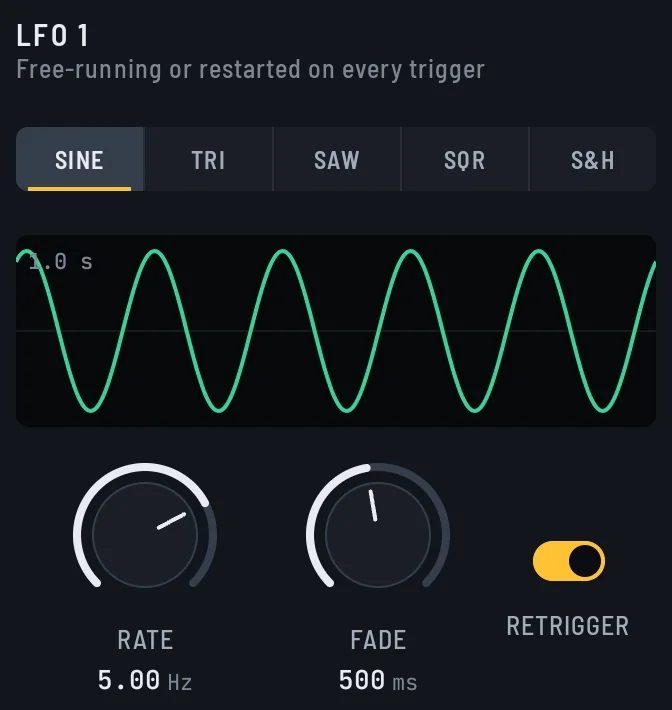
A wave that repeats on its own for as long as the note sounds. RATE sets how fast it cycles.
- Range: -1 to +1
- Set in: LFO 1 tile
LFO 2
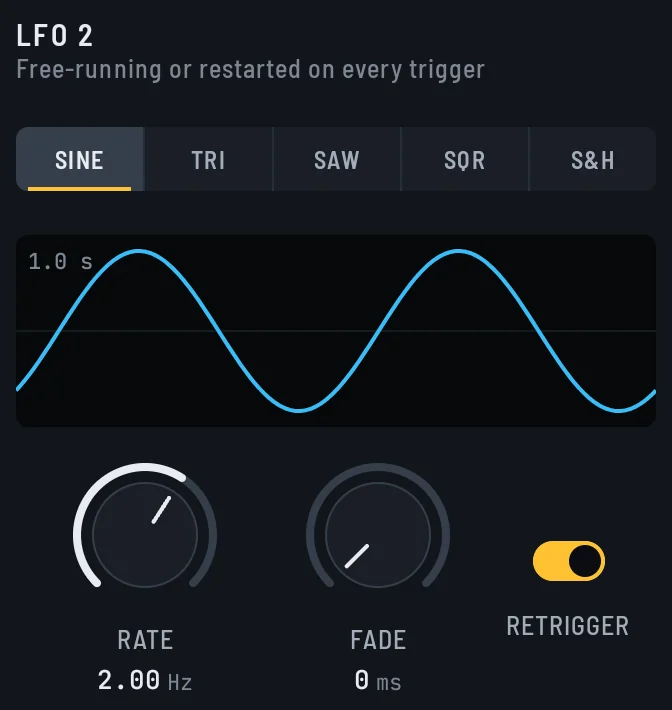
A second LFO, so one sound can wobble at two speeds.
- Range: -1 to +1
- Set in: LFO 2 tile
MOD ENV 1
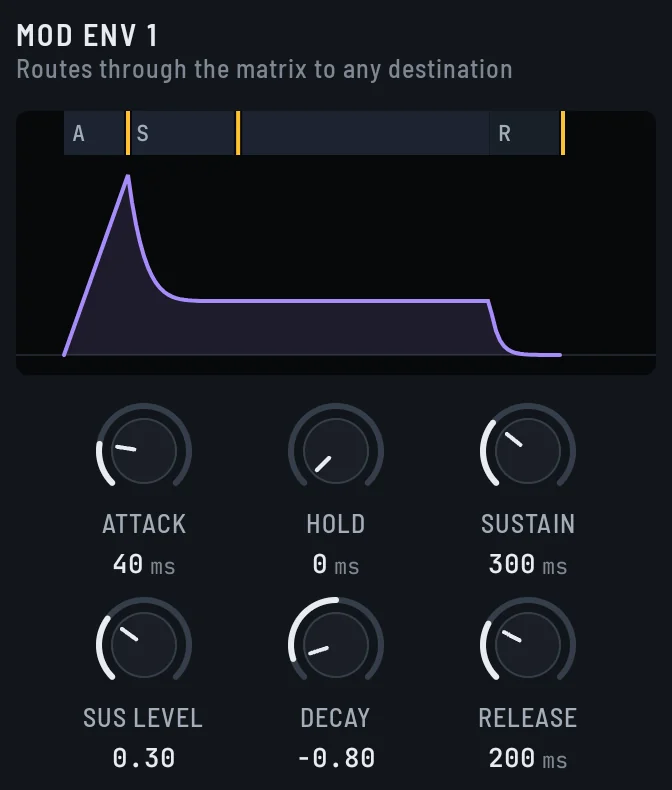
An envelope of its own. It rises and falls once per note with the same stages as AMP.
- Range: 0 to 1
- Set in: MOD ENV 1 tile
MOD ENV 2
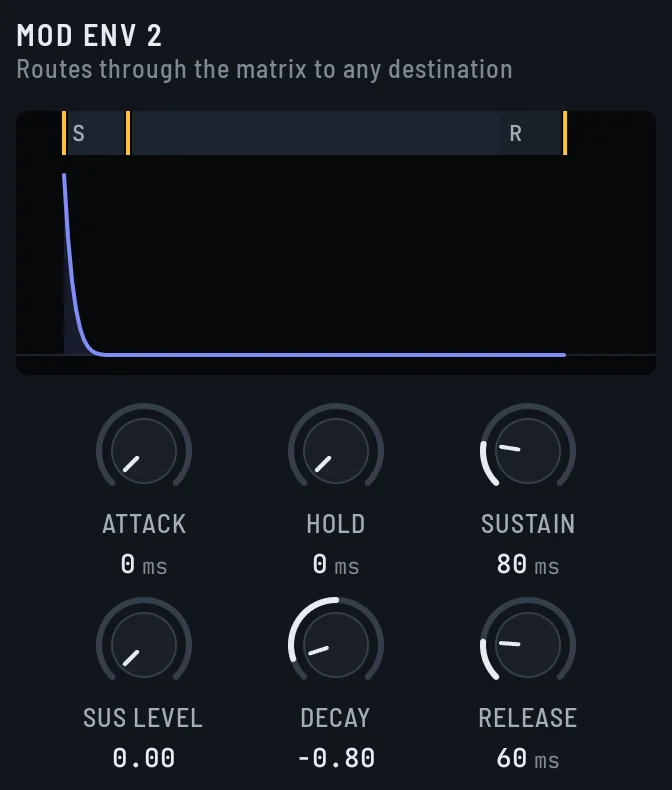
A second mod envelope, so two things can follow different shapes. Drop it on the LEVEL knob of OSC B for a bright strike that dies before the body does.
- Range: 0 to 1
- Set in: MOD ENV 2 tile
VELOCITY
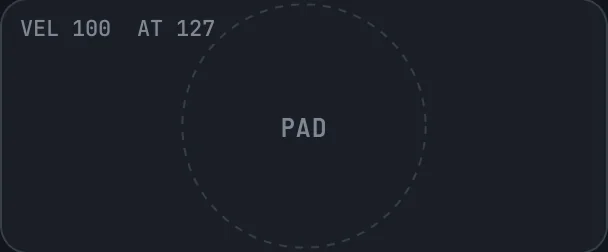
How hard the note was hit, fixed for the whole note. On the pad and keys, a hit nearer the center is harder.
With TOUCH DYNAMICS off in Settings, it needs a MIDI controller to move. The pad and on-screen keys then hit at velocity 100.
- Range: 0 to 1
- Set in: the pad, the on-screen keys or a MIDI controller
MOD WHEEL

The mod wheel on a MIDI controller. It changes only while you move it.
Needs a MIDI controller to move. The pad and on-screen keys never move the wheel.
- Range: 0 to 1
- Set in: the wheel of a MIDI controller
AFTERTOUCH
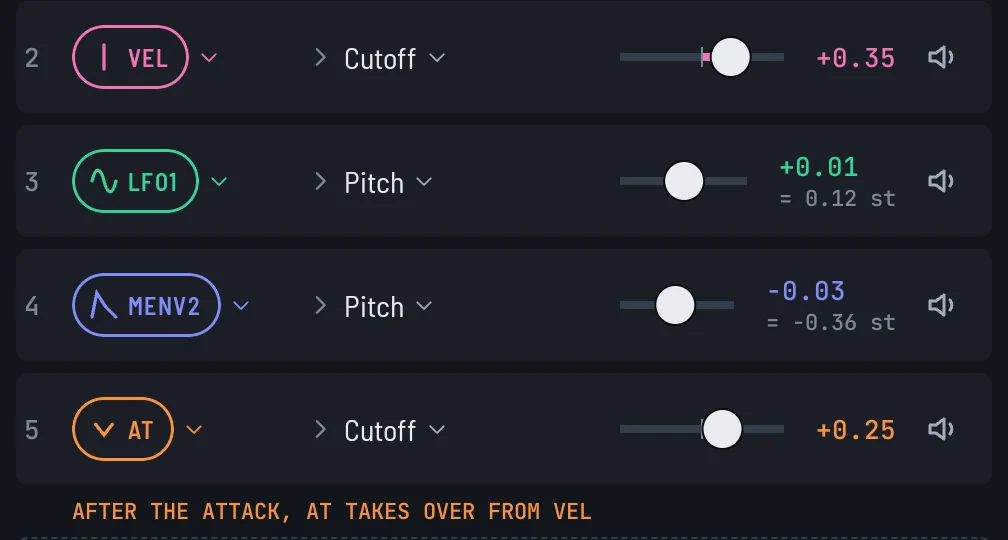
How hard you keep pressing after the note lands. On the pad and keys, slide a held finger toward or away from the center.
With TOUCH DYNAMICS off in Settings, it needs a MIDI controller to move. The pad and on-screen keys then hit with full pressure.
- Range: 0 to 1
- Set in: the pad, the on-screen keys or a MIDI controller that sends it
RANDOM

Each route draws its own random value per note, so two RANDOM routes move independently. With VARY EACH HIT on, every note draws new values. Off, every note reuses the values from the last roll of the dice button.
- Range: -1 to +1
- Set in: MOD MATRIX footer
Destinations
Pitch
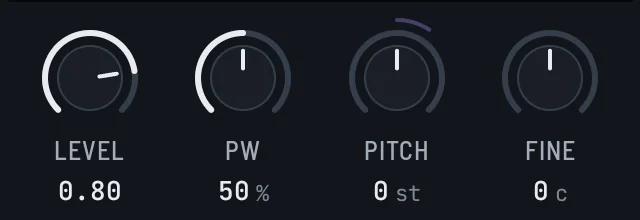
Both oscillators move up or down together.
- Depth 1.00 = 12 semitones
- Drop a chip on: OSC A Pitch, OSC B Pitch
Cutoff
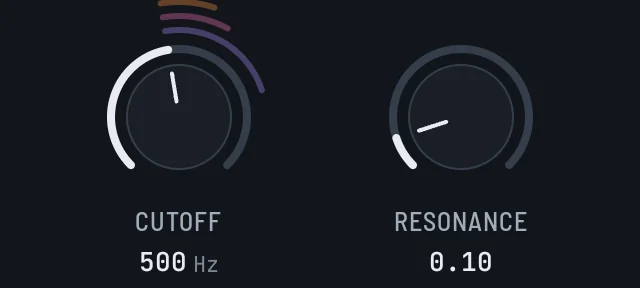
The filter opens or closes. Up is brighter.
- Depth 1.00 = 4 octaves
- Drop a chip on: Filter Cutoff
Resonance
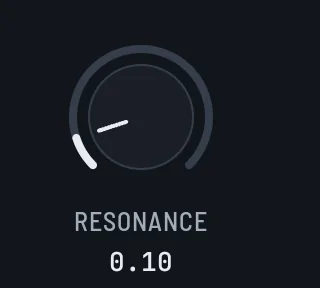
The ringing peak at the cutoff grows or shrinks.
- Depth 1.00 = the knob's full range
- Drop a chip on: Filter Resonance
Osc Mix
Positive fades OSC A out. Negative fades OSC B out.
- Depth 1.00 = one oscillator silent
- Set in: MOD MATRIX only. No knob takes a dropped chip.
FM Amount
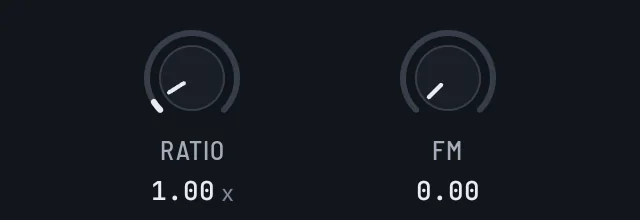
OSC B bends OSC A harder, for bell and metal tones.
- Depth 1.00 = the knob's full range
- Drop a chip on: OSC B FM
Pulse Width
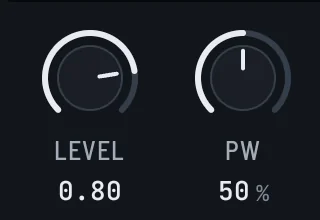
Square waves on both oscillators get narrower or wider.
- Depth 1.00 = the knob's full range
- Drop a chip on: OSC A Pulse Width, OSC B Pulse Width
WT Morph A
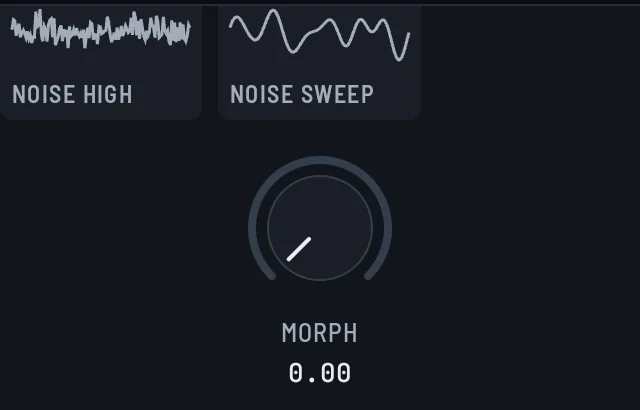
OSC A moves through the frames of its wavetable.
- Depth 1.00 = the knob's full range
- Drop a chip on: OSC A Morph
WT Morph B
OSC B moves through the frames of its wavetable.
- Depth 1.00 = the knob's full range
- Drop a chip on: OSC B Morph
Pan
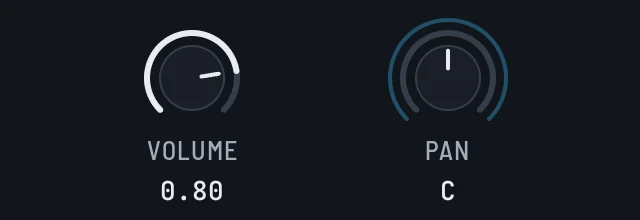
The sound moves left or right.
- Depth 1.00 = center to one side
- Drop a chip on: Amp Pan
Amp
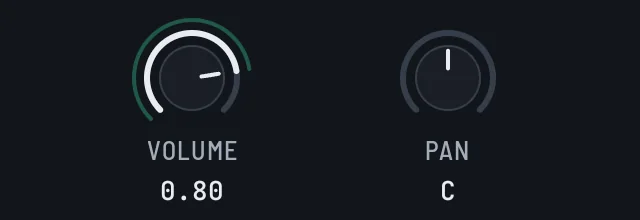
Scales the volume, never past VOLUME. Positive depth turns it up to VOLUME as the source rises; negative depth turns it down.
- Depth 1.00 = the knob's full range
- Drop a chip on: Amp Volume
Reverb Send
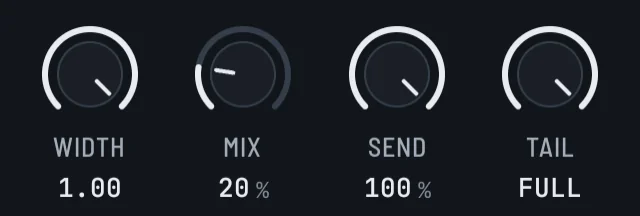
More or less of the sound goes into the reverb.
- Depth 1.00 = the knob's full range
- Drop a chip on: Reverb Send
Stereo Spread
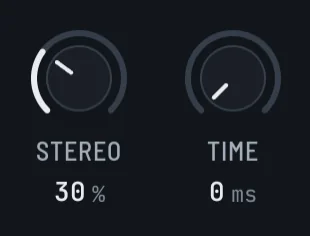
Unison copies spread wider or closer together.
- Depth 1.00 = the knob's full range
- Drop a chip on: Unison Stereo
Detune Spread
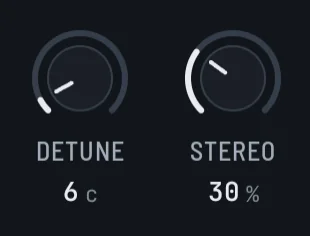
Unison copies drift further apart in pitch.
- Depth 1.00 = the knob's full range
- Drop a chip on: Unison Detune
Recipes
Laser drop

MOD ENV 1 jumps to 1 and falls to 0, so the pitch starts an octave up and drops back in 180 ms.
- MOD ENV 1 to Pitch, depth +1.00 (+12.0 st)
- Also set Mod Env 1 Attack 0 ms, Mod Env 1 Hold 0 ms, Mod Env 1 Sustain 180 ms, Mod Env 1 Sustain Level 0.00.
Filter pluck

MOD ENV 1 opens a dark filter at the hit and closes it again.
A bright attack that turns dull, like a plucked string.
- MOD ENV 1 to Cutoff, depth +0.80
- Also set Mod Env 1 Attack 0 ms, Mod Env 1 Hold 0 ms, Mod Env 1 Sustain 160 ms, Mod Env 1 Sustain Level 0.00.
Siren

LFO 1 swings the pitch up and down twice a second.
A steady rise and fall of about 5 semitones each way.
- LFO 1 to Pitch, depth +0.40 (+4.8 st)
- Also set LFO 1 Shape SINE, LFO 1 Rate 2.00 Hz, LFO 1 Retrigger on.
Alarm chop

A square LFO 1 on Amp with negative depth cuts the volume on every other half cycle.
The tone switches on and off 8 times a second.
- LFO 1 to Amp, depth -1.00
- Also set LFO 1 Shape SQR, LFO 1 Rate 8.00 Hz, LFO 1 Retrigger on.
Stereo sweep

LFO 2 moves a noise burst from one side to the other.
On headphones, the hiss travels left and right once a second.
- LFO 2 to Pan, depth +1.00
- Also set LFO 2 Shape SINE, LFO 2 Rate 1.00 Hz, LFO 2 Retrigger on.
Harder is brighter
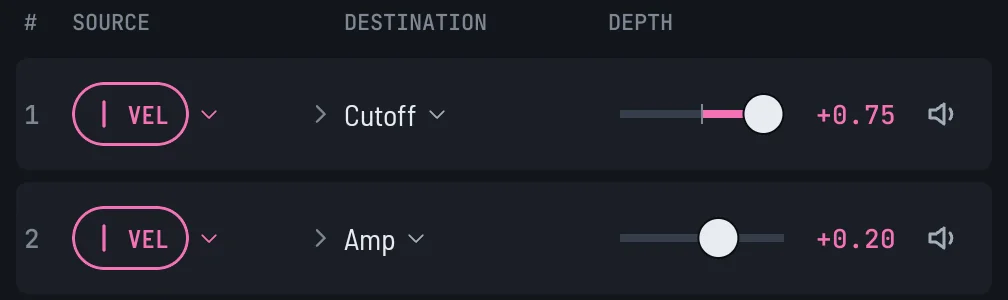
VELOCITY opens the filter, so soft hits stay dark and hard hits cut through.
Play a soft hit, then a hard one. The hard hit is brighter.
With TOUCH DYNAMICS off in Settings, pad hits all play at velocity 100, so only a MIDI controller changes the sound.
- VELOCITY to Cutoff, depth +0.75
- VELOCITY to Amp, depth +0.20
Never the same twice

RANDOM nudges the pitch by a different amount on every note. Good for footsteps and UI clicks.
Play the same pad a few times. Each hit lands at a slightly different pitch.
- RANDOM to Pitch, depth +0.15 (+1.8 st)
- Also set Random Vary Each Hit on.